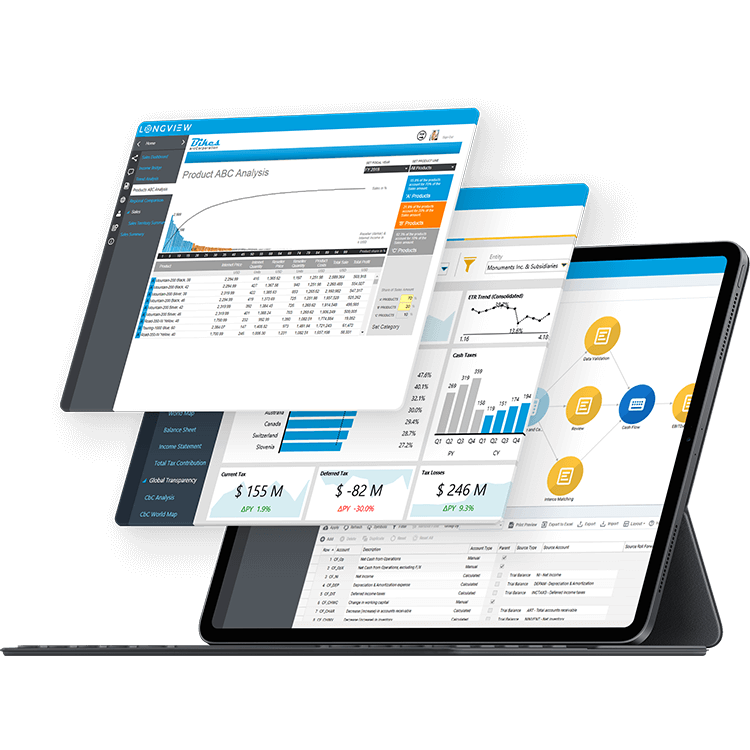
Transform the Office of the CFO
Accelerate Planning, Consolidation, Tax, and Analytics
Longview was acquired by insightsoftware – a leading provider of financial reporting and enterprise performance management software.
"*" indicates required fields


See for yourself why over 500K+ users are using insightsoftware





Do You Have Confidence in Your Data
and Control of Your Processes?

Manual Processes Don’t Support Speed and Agility
You need tools that help your team generate quick outputs, implement recognizable improvements and proactively identify opportunities.

Static Reports Are Immediately Out of Date
You don’t want to see your reports in static PDFs of Excel spreadsheets. You need real-time access to all layers of data with intuitive reporting so you can identify trends, risks and gaps.

Data Management Is Too Time Consuming
Your tools and processes should facilitate report creation that include all relevant data, free of errors, so you can make informed decisions.
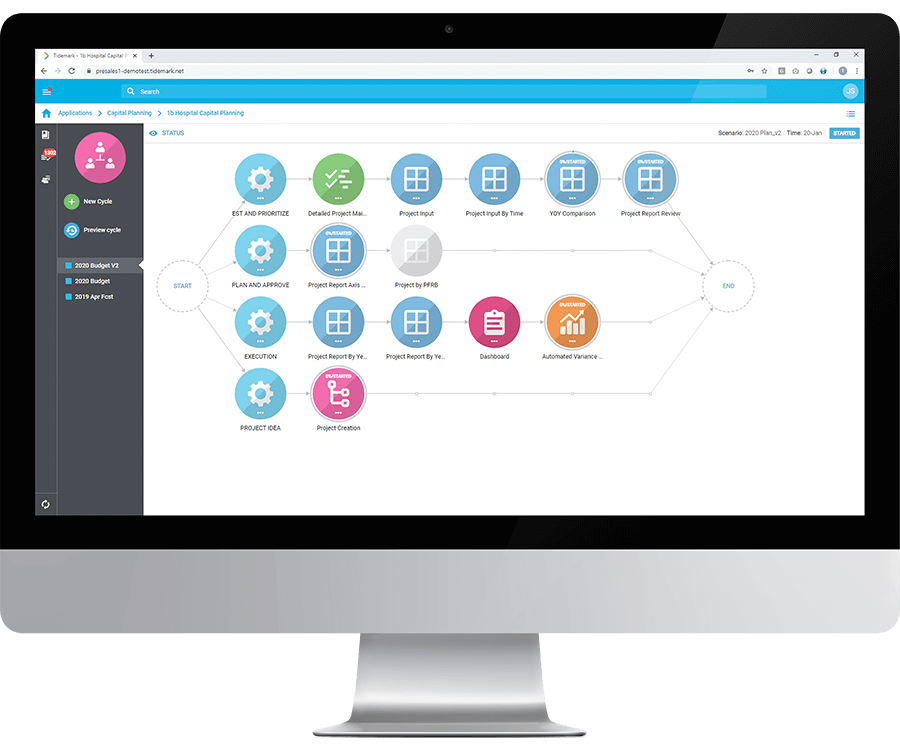
Plan For Your Organization’s Future With More Sophisticated Modeling
Eliminate legacy planning apps, with their error-prone spreadsheets, complicated calc scripts and outdated UIs. Handle large data collection with real-time processing through scalable, born-in-the-cloud architecture. Start analyzing performance and predicting future results.
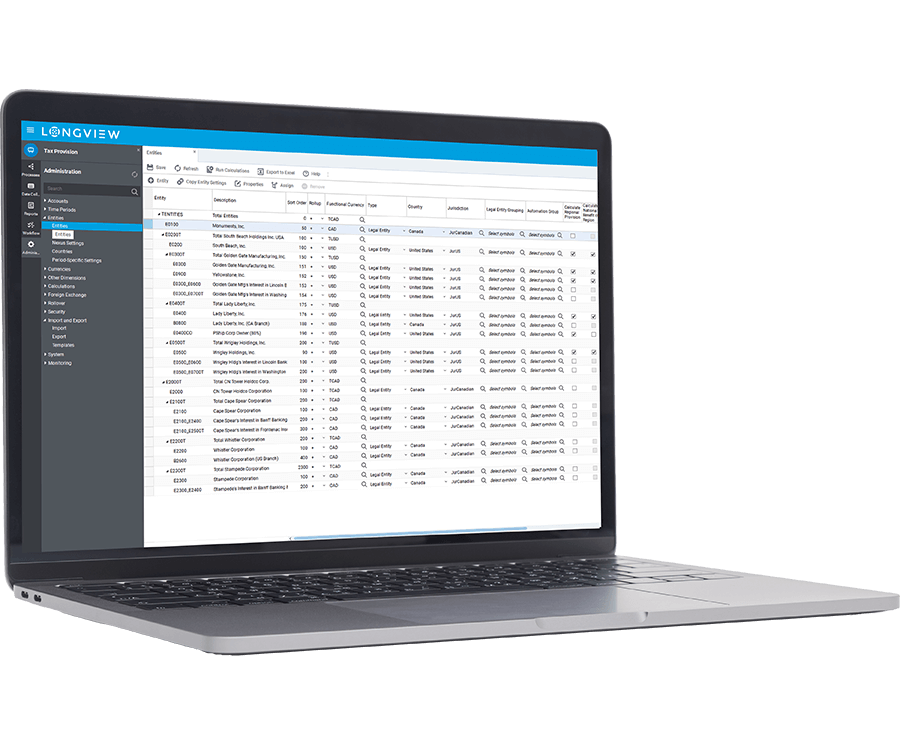
Improve Tax Planning, Provisioning, and Reporting
Provide decision makers with the ability to manage and report data, from the field to the footnote. Tailored to fit your needs, and designed with the tax SME in mind, Longview Tax is a tax-owned system that is tightly connected to the rest of your ERP suite for dynamic organizations and changing statutory environments.
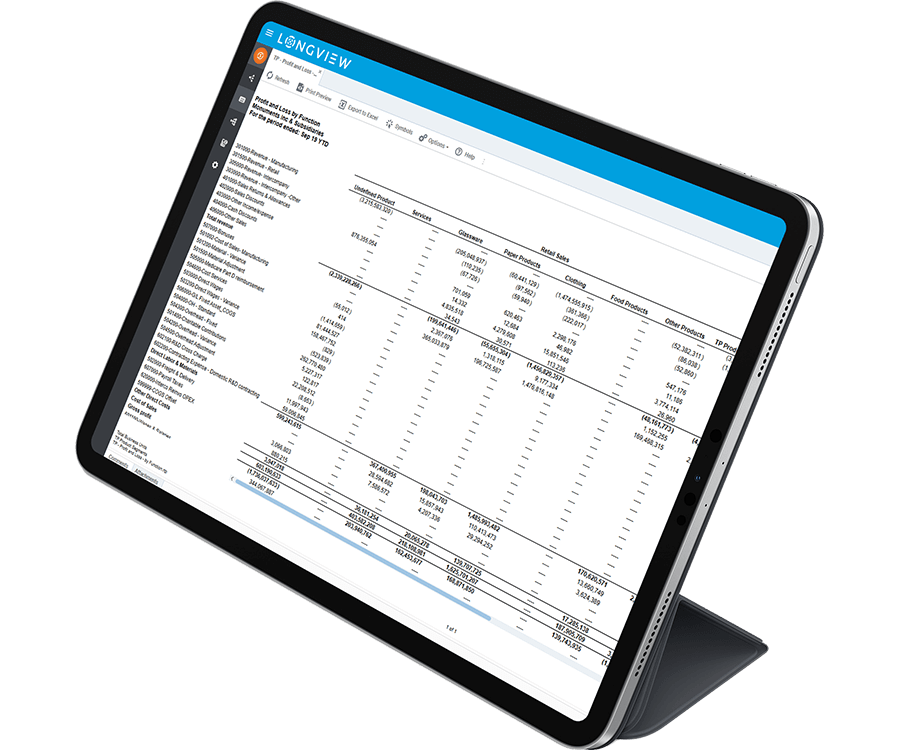
Transform your organizations Operational Transfer Pricing
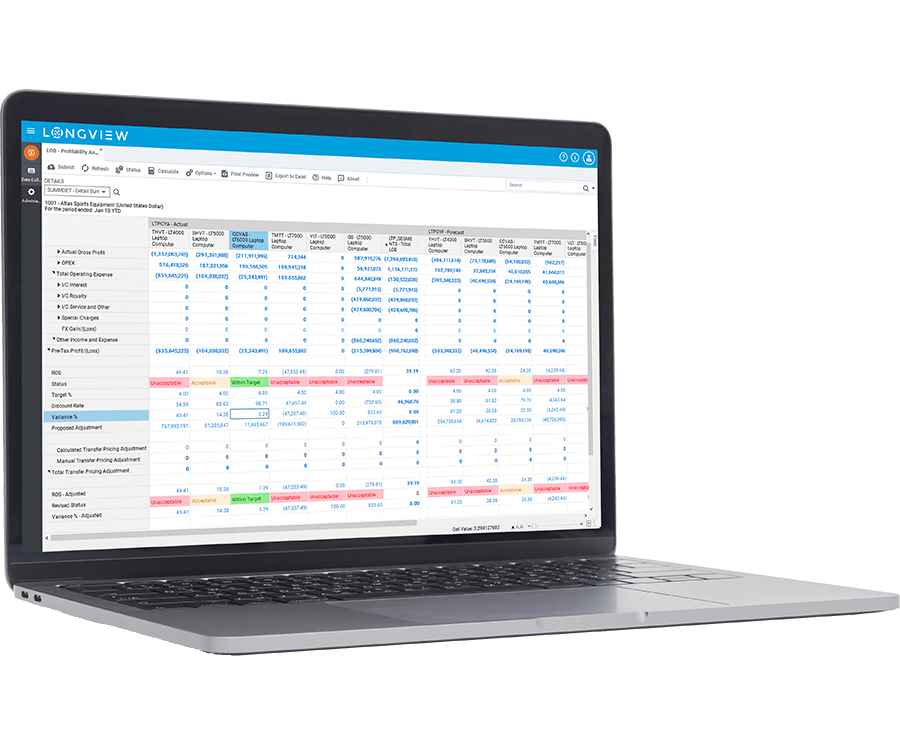
Streamlined data integration from multiple sources with easy to use editors that define your rules around allocations & segmentation. A platform that provides confidence in the application of your strategy, defense of adjustments, coupled with robust reporting. The tools you need to understand your Transfer Pricing data.
Empower Your Team and Stakeholders With Better Analytics
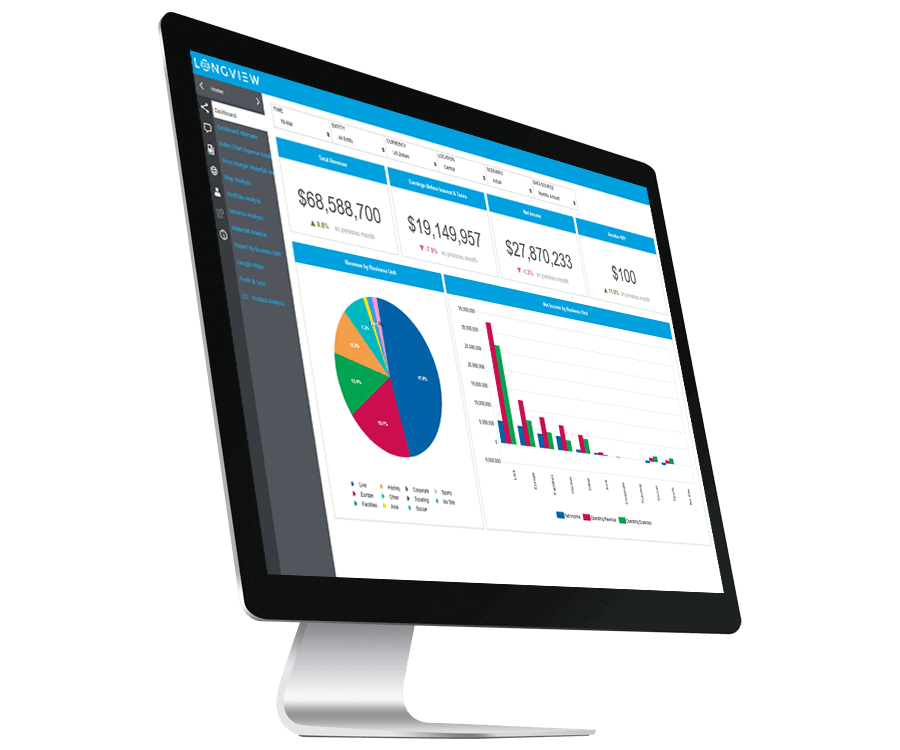
Ditch manually created reports based on outdated data. With visual dashboards that use real-time data from sources all across your organization, your team can quit spending time formatting wrestling data for reports, and get back to doing what they do best, analyze data.
Upgrade Your Consolidation Process Flow and Accuracy
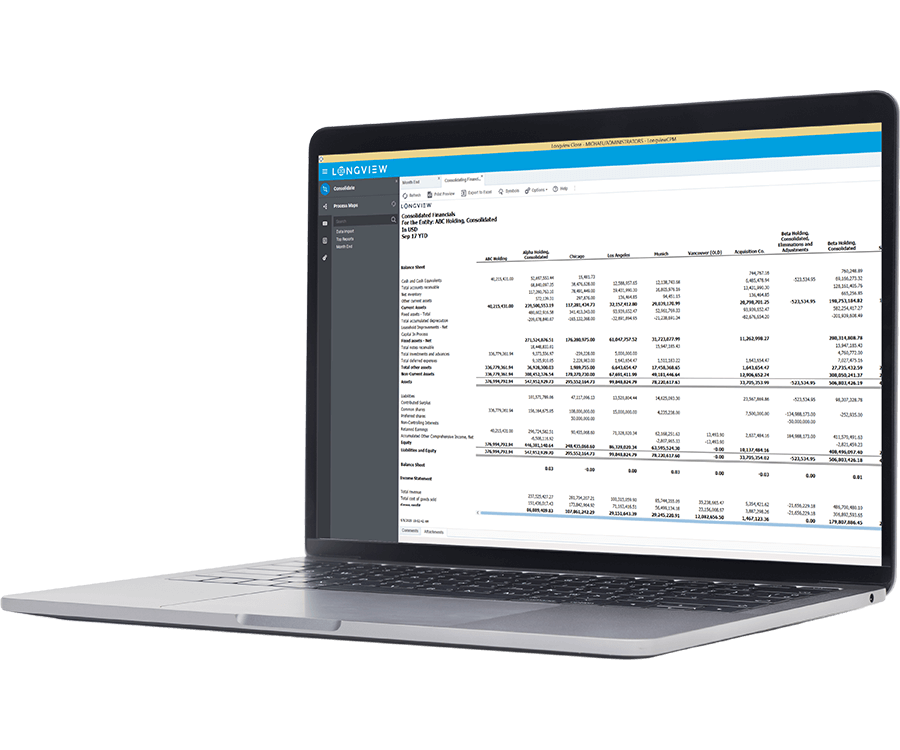
When you struggle with managing data across multiple systems and wasting time on error prone, manual processes, you are missing out on making more strategic contributions to your organization. Speed up consolidation, eliminate data errors, and shorten your close cycle to free up your team to add more value.
Shrink Cycle Times with Integrated Planning and Forecasting
Accessing timely, accurate data from multiple systems and combining them to power your budgets and forecasts can be a frustrating process. With your planning and consolidation data in one platform, you can accelerate planning cycles and improve the quality of your budgets and forecasts.
Finance Technology and Risk Management
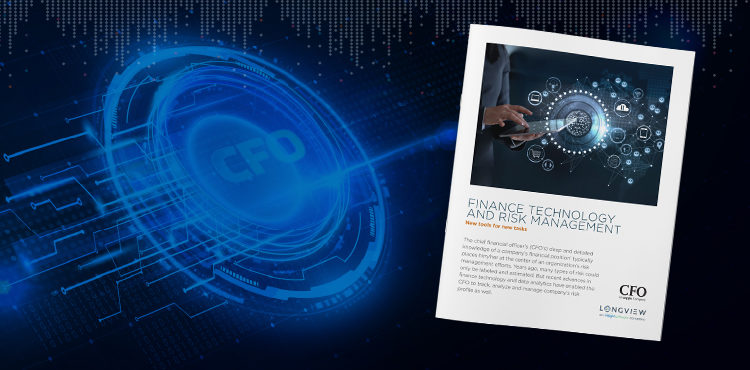
The CFO’s deep knowledge of the company’s financial position typically places him or her at the center of an organization’s risk management efforts. Forecasting capabilities for these efforts have drastically improved due to recent leaps in technology, which empower finance departments to do more than simply label and estimate risks. However, fine tuning risk management into an exact science requires investing in the right technology and frameworks.
insightsoftware teamed up with CFO Research to survey 157 senior finance executives regarding technology-enabled risk management initiatives, and how to get there.
Download this free whitepaper to learn:
- How to think futuristically, rather than currently, about system capabilities
- How other CFOs measure the ROI of their transitional efforts into digital forecasting for their risk management efforts
- Why it’s important to invest heavily in data security as more processes go from pencil and paper to ones and zeros
Achieving Your Goals is Our Goal

"In a dynamic and complex environment like ours, there is an increasing demand for timely and accurate financial results. Our insightsoftware application has given us the tools that we need to not only keep up with this demand, but to effectively react to change.”

Schedule a Live Demo to See Longview in Action
Related Resources

BPM Partners 2020 Vendor Landscape Matrix


Longview for BEPS



Canada Life Unifies Data for Tax Reporting with Longview Tax
